

Actually, most of you may ignore this article, and probably back then you may skipped this content when you first saw it, but now when you really got the requirement of this after a while or long time, you may hurried or rushed in finding this article to know how to fix this quiet common ghost touches problem on your old Android devices, isn’t it? well whether you have ghost touches problem or not, you may better know how to fix it on your device, thus only then you can use your device properly, else this ghost touches problem not just make your old or new Android device unusable but also its mis-touches are quite risky at times. got it?
The reason why i said even new devices are prone to ghost touches problem is because not all new devices are perfect and defective free, which is why caution is always mandatory, including that keep in mind, this ghost touches issue not just occur mainy due to aged hardware on old Android devices, but also because broken screen or loose digitizer or panel that may have happened when you fall your device or when you give device for repair, technician haven’t fitted device well, if that’s not the case then probably your screen digitizer may aged over time and lost its strength, which can also lead to ghost touches problem, so first verify which one exactly causing it properly, as per that fix your Android device accordingly.
Wait, a second, oh yeah ghost touches problem also can occur because of old, degraded, smudgy, or defective screen protector, so before trying anything, better first remove existing screen protector on your old or new Android device, and see whether ghost touches problem still persist or not, if it doesn’t then you’re good to go, else you have to fix it using something else, you may ask how exactly we fix this ghost touches problem without removing screen protector or replace screen digitizer and panel etc, well in this scenario no matter what’s causing ghost touches problem, to fix you may resort to InputBlocker.
There are number of ghost touches problem fixer apps, but most of them are begginer level, they’ll just allow you to only block half or chunks of screen, not at exact spots, but when it comes InputBlocker, it is at pro level with many advanced methods, algorithms, techniques, paths and modes to detect and fix ghost touches problem, no matter where it is on display, mainly by differentiating characteristics of real touches and ghost touches, through some detectable signals, to know more about them in detail via chart, you may better check GitHub of InputBlocker.
Also, one of the interesting aspect of InputBlocker, is not only it has companion app for Android devices, but also provides PC tool, so if you’re not compatible with Android app, just use PC tool to figure out where exactly are ghost touches then map and block them, while majority of ghost touches fixer apps limited to either Android or iOS apps, but here with InputBlocker you folks also got PC tool, that many of you may find it amusing, whether InputBlocker PC Tool is any of use, in comparison to Android companion app, good or bad that you’ll have to figure out.
The PC Tool of InputBlocker is named as PC designer available for Windows, Linux and macOS, and currently lists few amazing features, which are visual region editor, DBSCAN auto tuning, adb bridge which requires usb debugging enabled on your device, there may be many more, if you want to know more about them, check on InputBlocker Github, i haven’t tested PC designer and I’m not sure whether i do in future, as mobile companion of InputBlocker is more than enough and does what has to be done, its hassle free, but if you still want PC designer, you may go for it.
While, I only tested InputBlocker mobile companion app, so I’ll keep my scope limited to it, well there is a lot of things available on InputBlocker, out of them emergency recovery mode is one, where you’ll find number of useful features like, when you press volume down or up for 3 times, it’ll block everything on overlay, including that it has boot loop safe mode, crash detected, crash counter, and hard disable etc, i’ve just named currently listed emergency recovery mode features of InputBlocker, as this module is dynamic not static, developer may add or change features and how they will work over time.
In simple, InputBlocker is an LSPosed module, that works on rooted Android devices, by using system level access, it’ll make certain required changes in operating system functionality in order to fix ghost touches on old and new Android devices, currently InputBlocker is currently in early access phase and also want data from ghost touches problem Android devices, to learn, adapt and improve InputBlocker, so that it’ll work on a lot of devices accurately, will you become part of it or not, that’s up to you, right now let’s dive into InputBlocker app, are you ready?.
• How to download InputBlocker and official support •
– GitHub
• InputBlocker key features with UI / UX overview •
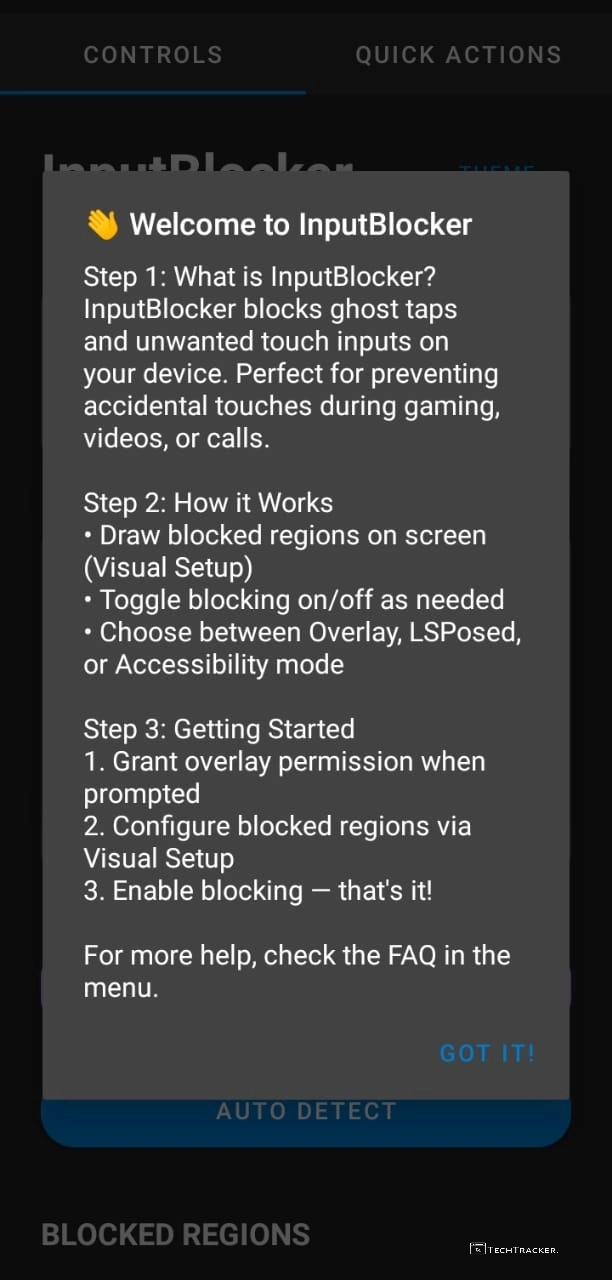
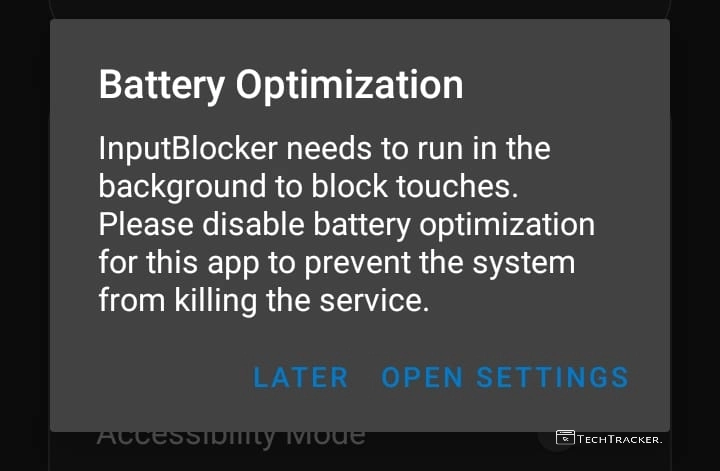
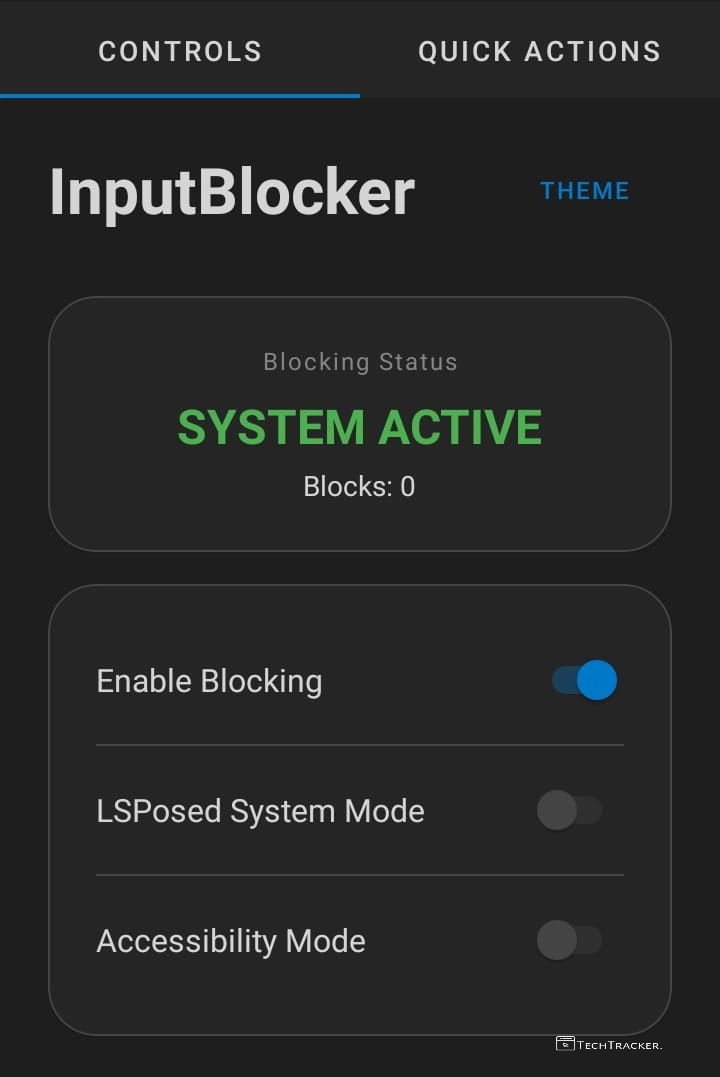
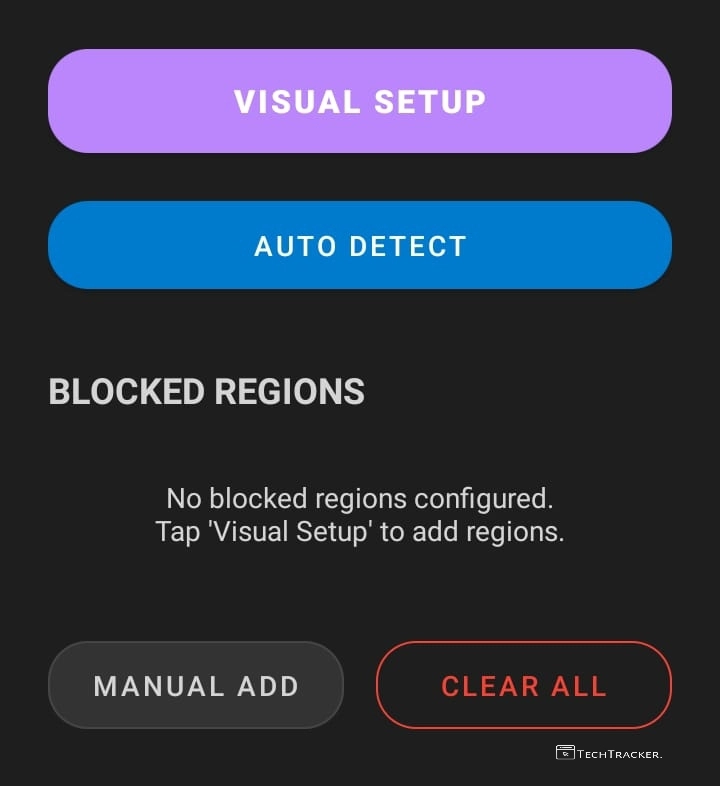
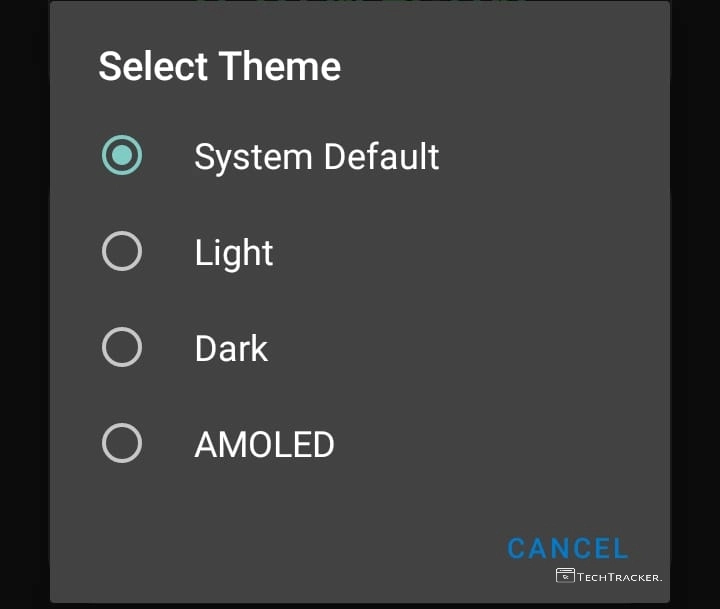
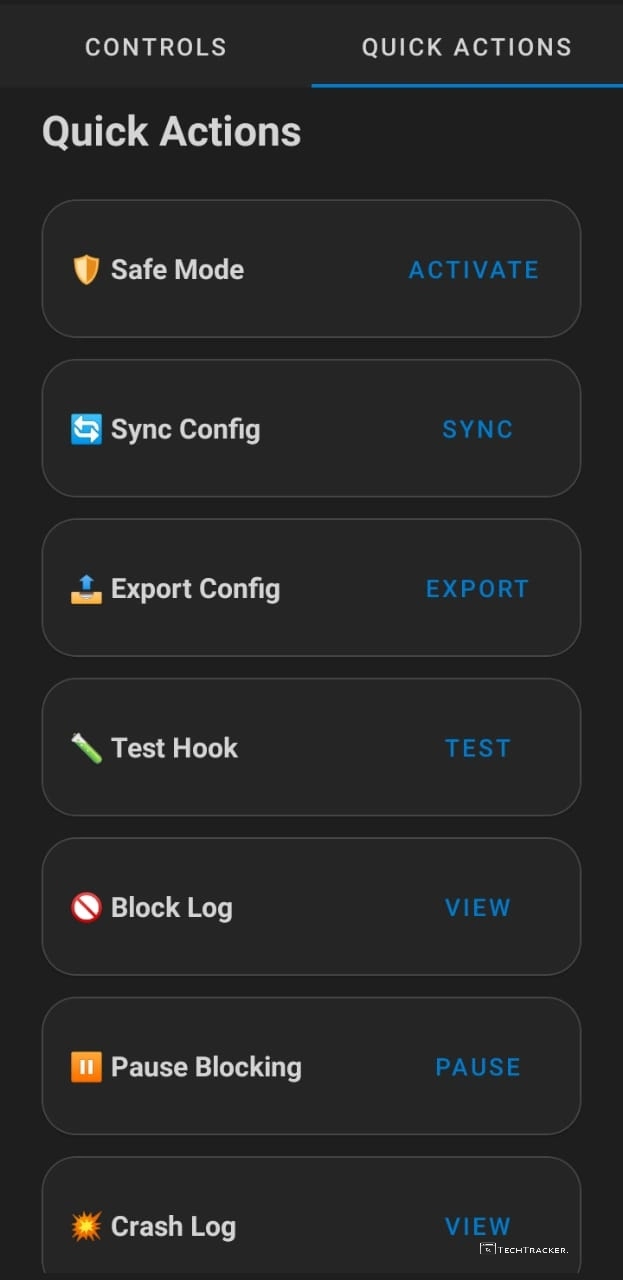
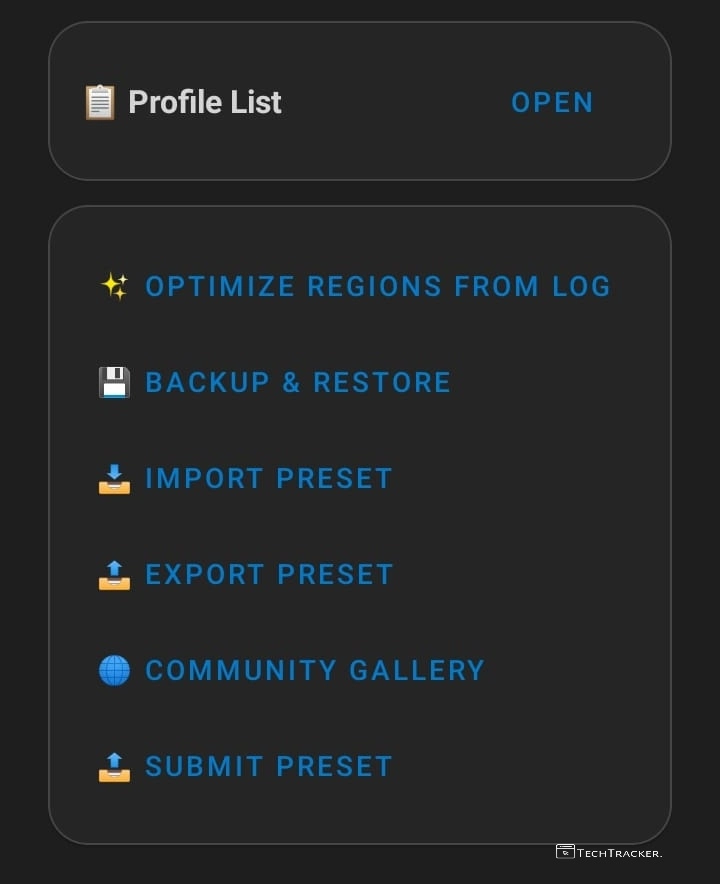
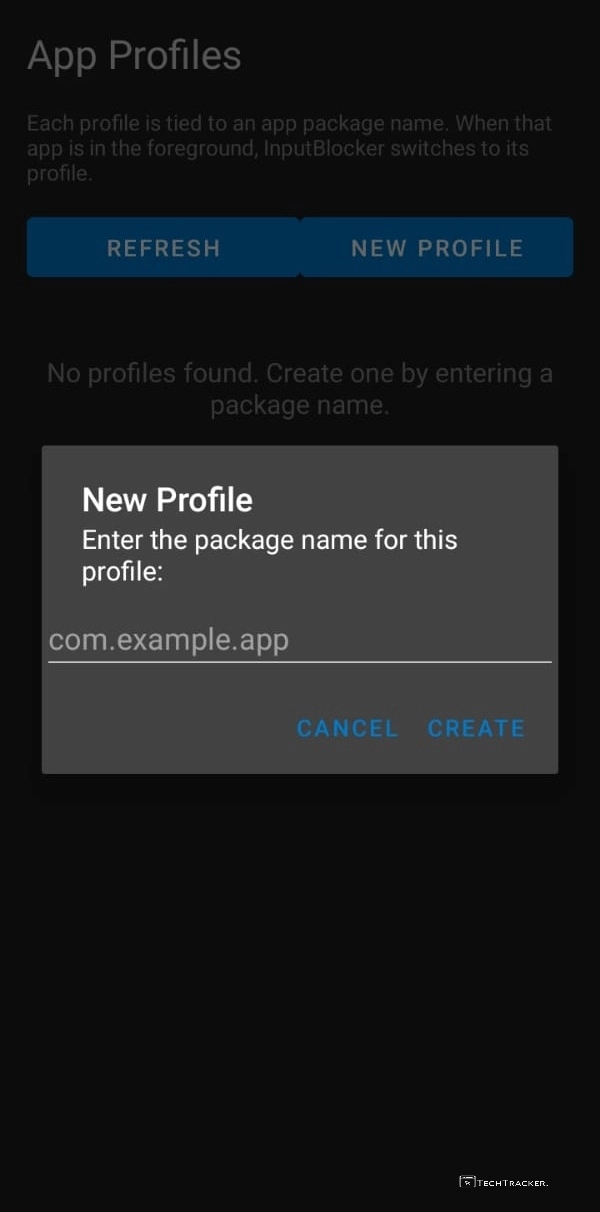
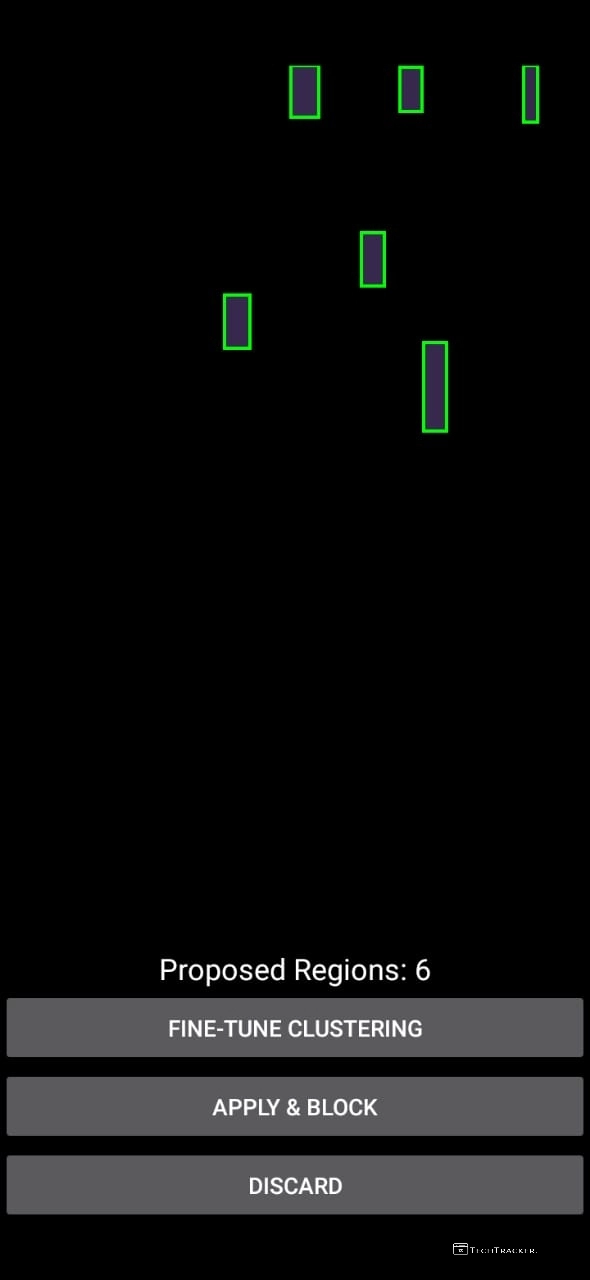
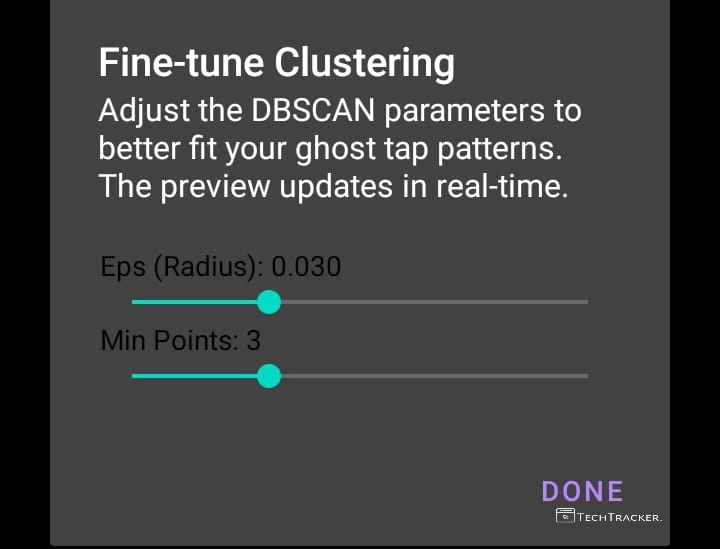
Finally, this is InputBlocker, an LSPosed module that may fix ghost touches problem on new and old Android devices, are you an existing user of InputBlocker? what’s your experience in regards to InputBlocker? do you know any better alternative app or LSPosed module other than InputBlocker? do share with us, see ya 🙂