

Simple, yet very useful, but sometimes, I’m not sure about how many number of companies does it, may be few at certain times, intentionally or unintentionally, knowingly or unknowingly for whatever reasons cover or hide their own simple yet useful features from their consumers, have you ever heard or encountered such actions from any company products or services that you may have used in past or now? In this context especially in terms of smartphones? Have you ever got feeling that this OEM though easy to include a basic simple feature that’s very useful yet haven’t provided it by default?
When a particular smartphone, don’t provide a simple yet very useful feature, especially when that feature is basic and already being provided by fellow OEMs, you may feel what the heck and blame, or backlash on that company, isn’t it? Especially If that basic feature is important for you and can’t use device without it, then you switch to fellow OEM device, or in case you’re committed or can’t shift to other smartphones, then probably if it’s mainly software based basic feature, then I guess you may expect device OEM to provide that feature in future device updates or upgrades, it’s what most folks does right?
Eventhough, majority of smartphone OEM’s, do provide bug fixes and new features through software updates and upgrades, mainly add any missed basic features that should have been added in first place by default, or as per users requests and demands etc, but there are few stubborn OEM’S, who for whatever reasons no matter what don’t even add basic feature that’s simple yet very useful anytime, do you know any such OEM? Well Incase if you don’t and never got into such scenario, let me introduce you about most popular smartphone, “Pixel” by Google.
Pixel is renowned Android smartphone known for pure stock software and brand value due to the fact it’s crafted by Google, but for some unknown reasons they haven’t provided a simple yet very useful basic feature in their software, that almost all fellow OEM’S provided by default, to be clear, as you may know we use Hotspot technology not only for sharing internet but also files with fellow devices isn’t it? undoubtedly Hotspot is such a crucial one, which is why in general most OEMs by default for convenience and comfort of their users or just like that provide advanced hotspot options in their software settings, while Pixel in it’s latest software versions don’t show them.
Yes, you heard that right, Pixel by Google, in it’s software don’t show expanded advanced Hotspot options in it’s software settings, that’s a big no for a lot of users as many are such basic simple yet very useful ones, so if you own Pixel device or it’s software based custom roms, then by default you probably lacking advanced hotspot settings, that no matter where go in settings you won’t find or reach them unless you have root and you’re geek enough to access them, yeah exactly that’s right, if you have shizuku or root access, you’ll be able to get and configure all advanced hotspot settings that you usually want and expect to have in your Pixel.
However, despite the fact that you can access and configure advanced hotspot settings in your Pixel device and it’s software based custom roms, but here’s the catch, for that you need to have shizuku or rooted Pixel, including that you need to use an extra app named Delta that organise and provide all hidden advanced hotspot settings with user interface, just like you find in fellow OEMs,, so that you can simply configure those advanced Hotspot settings on the go, isn’t that awesome?
There may be many apps like Delta, which let you access advanced hotspot settings on your hidden Pixel or any other device and custom roms, but in recent times Delta got more presence for sure, mainly because it’s simple and does the work absolutely fine including that it’s straightforward and provide clutter free user interface experience that make you feel like you just accessing device software settings for real, it’s minimal and free, and most importantly it’s FOSS, so considering all that why shouldn’t I just stick with Delta?
Delta is free and open source app, it provide few extra options like add a quick tile, save presets integration, and many more, that you won’t find in most OEM provided advanced hotspot settings, at the end if you only wish and feel FOSS apps have better safety and reliability as their code is in public domain, then seems like Delta may work for you, so shall we now explore visual interface of Delta? are you ready? If yes let’s get started.
• How to download Delta and official support •
– GitHub
Website : delta.shadoe.dev
• Delta key features and UI / UX Overview •

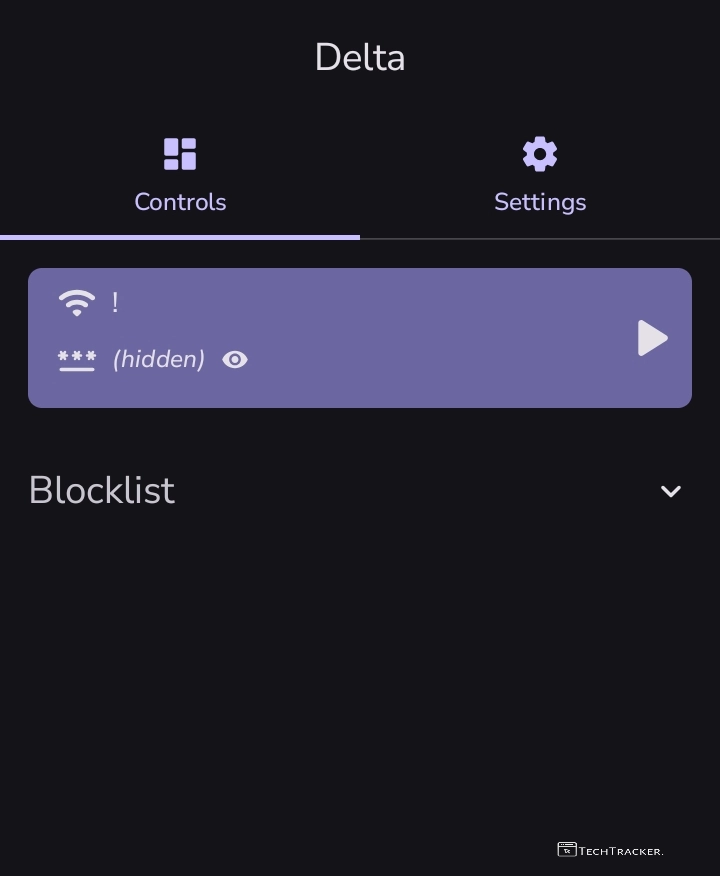
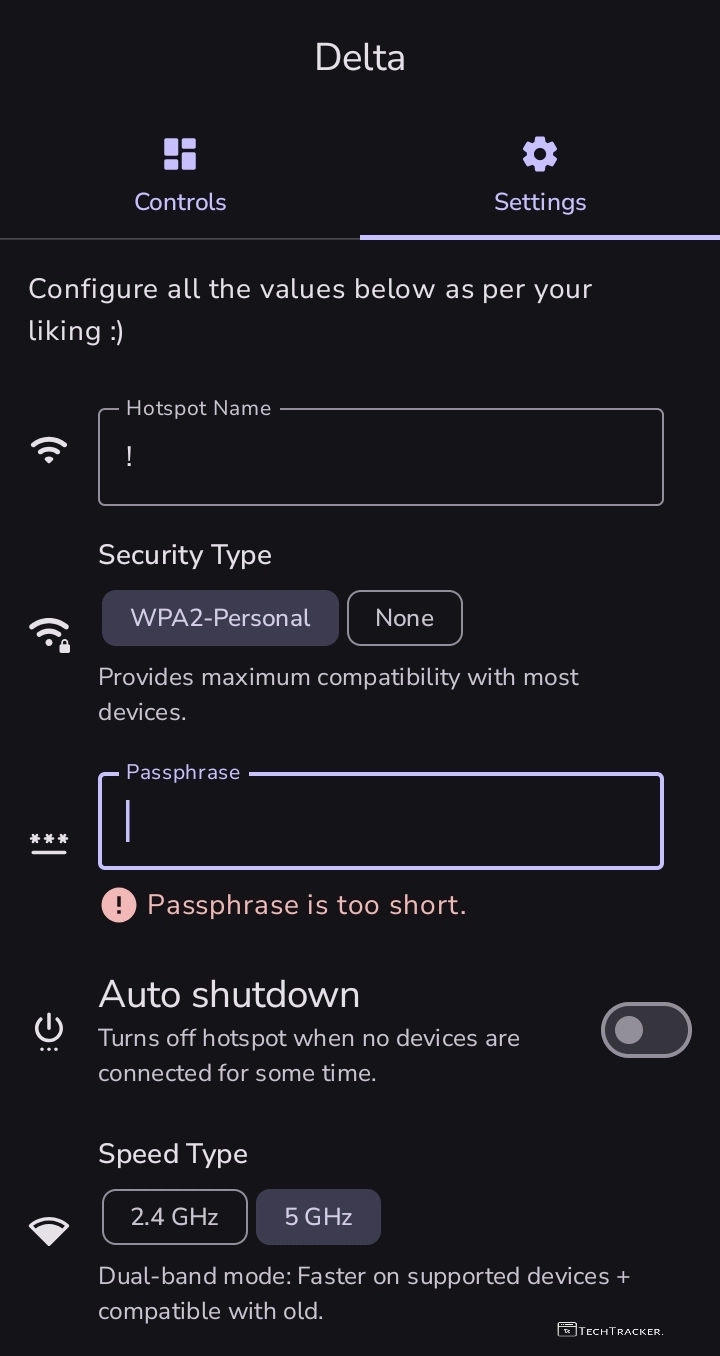
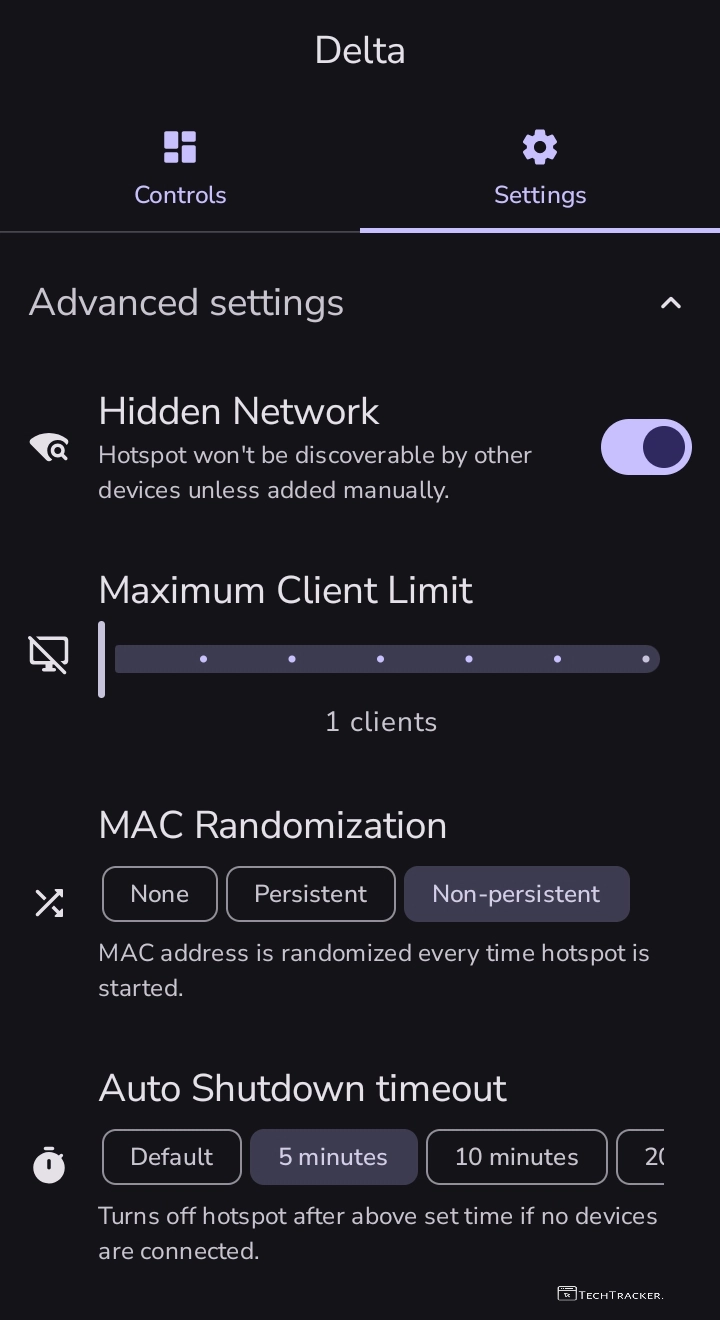
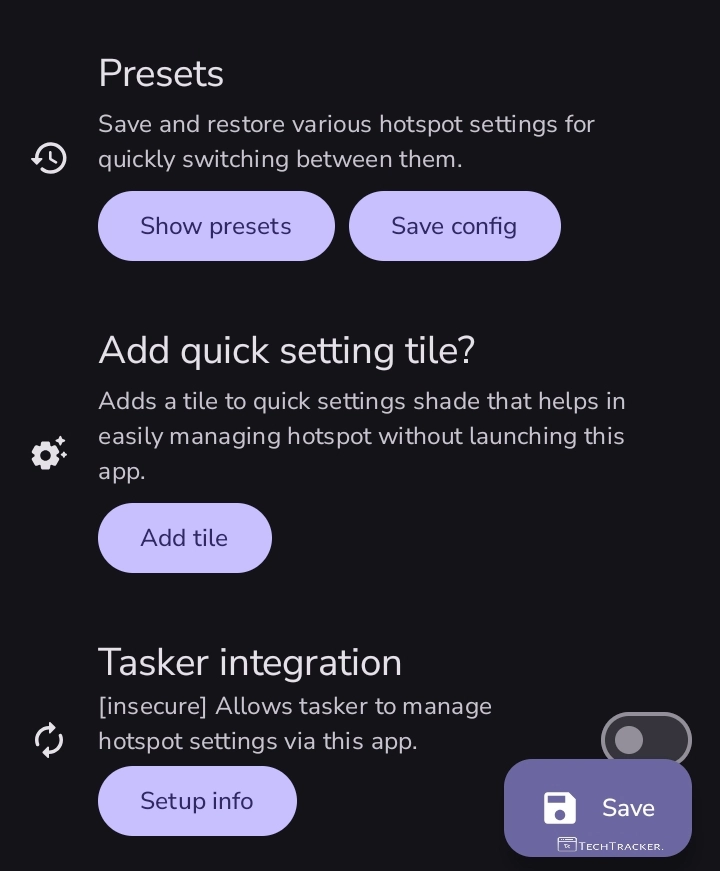
Atlast, this are just highlighted features of Delta, there may be many hidden features in-build that provides you external benefits to give the ultimate usage experience, anyway if you want some best app to access advanced hotspot settings in Pixel like devices then Delta is on go worthy choice.
Overall, Delta has clean and simple interface with light and dark mode by default that ensures user friendly experience, but in any project there is always space for improvement, so let’s wait and see will get any major UI changes in future to make it even more better as of now, they simple yet very useful.
Moreover, it is definitely worth to mention Delta is one of the very few apps available our there on internet by using that you can access advanced hotspot settings in Pixel like devices, yes indeed if you’re searching for such apps then Delta have potential to become your new favourite choice.
Finally, this is how you can access advanced hotspot settings in Pixel like devices using Delta, are you an existing user of Delta ? If yes do say your experience and mention why you like them over any other shizuku or root based advanced hotspot settings app for Pixel like devices, in our comment section below, see ya 🙂